What a server region actually is
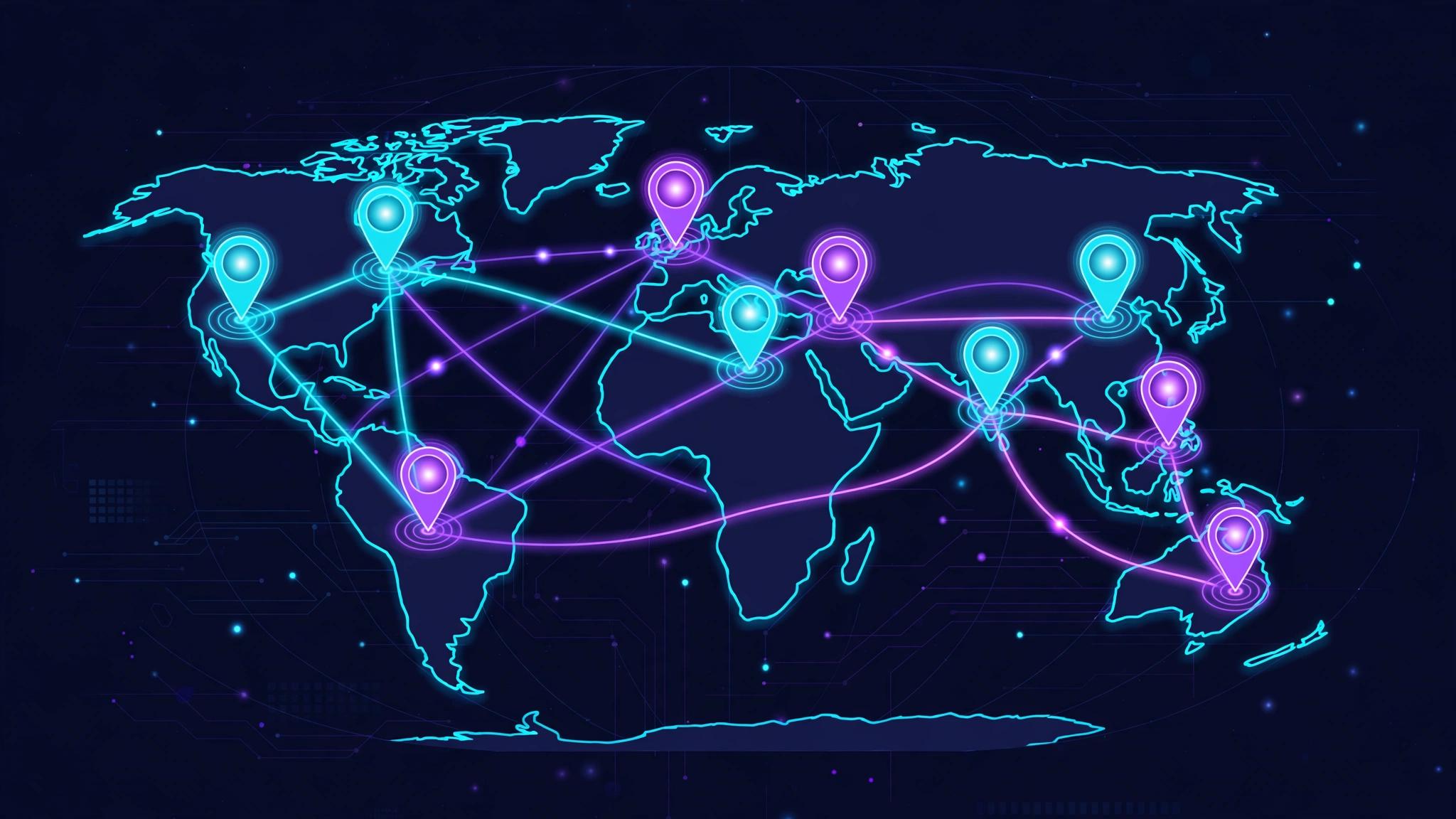
When a game offers regions, Europe West, US East, Southeast Asia and so on, each name refers to servers physically located in one place, or a small number of places, in the world. Your match does not happen "on the internet" in the abstract; it happens on a specific machine in a specific city, and every input you make travels from your home to that machine and back. That round trip is your ping, and its most basic ingredient is geography: data moves fast, but not instantly, and a longer journey takes longer no matter how good your connection is.
Two consequences follow. First, region choice sets a floor: a player connected to a server on their own continent will almost always have a lower ping than the same player connected across an ocean, and no equipment at home can repeal that. Second, the region name and your real distance can disagree. Regional boundaries are drawn by the publisher, not by physics, a "Europe" region might be hosted in one western city, so two players both "in Europe" can be very different distances from the actual servers. Treat the region label as a starting hint and your measured ping as the truth.
How games decide your region
Games reach the region decision in different ways, and knowing which one your game uses explains most "why am I on that server?" mysteries:
- Automatic selection by ping. Many modern games measure your connection to several regions and quietly place you on the fastest. This is usually right, but it can be fooled by a VPN, by travel, or by one congested evening, and some games only measure once and remember the result.
- Manual selection. Some games let you pick a region or data centre from a list, sometimes showing a ping figure beside each. Where this exists, it is the most direct control you have over your connection.
- Account or store region. A few titles tie matchmaking to the region of your account or the store you bought the game from, which can strand a player who has moved country on servers an ocean away.
- Party leader's region. In many squad-based games, the party is hosted on the leader's region, so your own setting matters less than who formed the group, a point the friends section below returns to.
Whatever the mechanism, verify where you are actually connected before troubleshooting anything else. Our guide to reducing high ping in online games puts region confirmation first in its fix order for a reason: a player on the wrong region can chase router settings for a week and fix nothing.
One more caution about the numbers themselves. Where a game prints a ping beside each region in a menu, treat it as a snapshot taken at that moment, to that menu's test server, a good guide, not a guarantee of match conditions. Figures move with the time of day and the server's load, and the number that matters is the one shown in an actual match at your normal playing hour. Players are regularly surprised that a region advertising 25 ms in the menu plays at 45 ms in the evening; nothing has gone wrong, the snapshot was simply taken in kinder conditions.
Distance sets the floor; the route decides how close you get
Distance is only half the story. Your traffic rarely travels in a straight line to the server: your provider hands it between networks along a route, and that route can be direct or a detour, quiet or congested. This is why two players the same distance from a server can see different pings, and why a slightly farther region occasionally beats the nearest one, its route is simply better. The mechanism behind that is a subject of its own, covered in our explainer on how game routing works and why your route matters; for region choice, the practical lesson is simple: measure candidate regions rather than trusting the map.
This is also the resolution to a common puzzle, a fast speed test beside a bad in-game ping. If your broadband is quick yet your matches lag, the likeliest explanations live in region and routing rather than in your package, which is exactly the situation our guide to high ping with fast internet takes apart in detail.
Why the nearest region usually wins
Most of the time, choose the region whose servers are physically closest to you, because distance dominates everything else. The benefits stack up:
- Lowest baseline ping, with the least room for the route to spoil it.
- More stable play at your peak hours, because your evening is the local evening, busy, yes, but the servers and networks are provisioned for that rhythm.
- Natural matchmaking: the local pool is fullest at the times you are awake and playing.
| Choice | You gain | You pay |
|---|---|---|
| Nearest region | Lowest ping; full local player pool at your hours | Peak-hour congestion on busy evenings |
| Next-nearest region | Sometimes a better route; a fallback at your region's worst times | A modest ping increase, typically |
| Distant, high-population region | Fast queues at your off-peak hours; huge player pool | A ping penalty physics will not negotiate |
| Friends' region | You play together, which is the point | Whoever is farthest from the servers carries the worst connection |
When the nearest region is not the best choice
Population and queues
A region is not just servers; it is the players on them. A small or declining region can mean long queue times, matches filled from a much wider skill range to make up numbers, and in some games lobbies padded with bots at quiet hours. If your local region is nearly empty while a larger region one step away is thriving, trading some ping for real, prompt matches can be the right call, especially in less reactive genres where 70 ms plays far better than 20 ms against nobody.
Peak hours run on the server's clock
Congestion follows the region's evening, not yours. If your local region's peak clashes with your only playing window, a region whose peak falls at a different time can feel smoother despite the distance, your late evening might be its quiet early morning. The reverse also happens: players sometimes blame a distant region for lag that is simply that region's prime time arriving. When you test regions, test them at the hours you actually intend to play on them.
Route anomalies
Occasionally a provider's path to the nearest data centre is genuinely bad, indirect, congested at a handover point, while its path to the next city is clean. This is uncommon but real, and it is invisible until you measure. It is also the one case where the map actively lies to you, which is why the testing section below matters more than any general rule, this one included.
Playing with friends in other places
Cross-region friendships force the trade into the open. In party-based games the group usually plays on one region, often the leader's, sometimes a compromise the game picks, which means the ping cost is never shared equally: the player farthest from the servers carries it. Handle it deliberately rather than discovering it mid-match:
- Pick the region consciously. A geographically middle region can give everyone a playable, if not perfect, connection, three players at 60–80 ms often have a better night than two at 20 ms and one at 180 ms.
- Rotate the sacrifice. If you play together regularly, alternating whose region hosts spreads the bad evenings fairly.
- Match the region to the game. A relaxed co-op session tolerates a distant region easily; a ranked shooter does not. Let the genre set how much distance the group can afford.
- Check who is really hosting. If your ping is mysteriously high only in one friend's parties, you have found the mechanism, the group is on their region, not yours.
How to test two regions fairly
Region comparisons go wrong when they are casual: one match here, one match there, a conclusion drawn from the scoreboard. Do it as a small experiment instead. Choose your candidate regions, usually your nearest two, or nearest plus wherever your friends play. Play several matches on each at the same time of day, on the same connection, with nothing else changed. Record the ping the game reports each match and take the middle value of each set, not the best and not the worst. If the game shows loss or jitter figures, note those too; a region with a slightly higher but rock-steady ping often plays better than a lower, swinging one.
Our guide on how to test your ping before playing covers the underlying measurement method in full, and it applies region-for-region exactly as it applies device-for-device. Give each region at least one full session before judging: servers, pools and routes all have good and bad evenings, and a fair test is the only defence against reorganising your gaming life around a fluke.
When playing far away is genuinely worth it
Sometimes the distant region is simply the right choice, and it is worth saying so plainly. Playing with friends is the obvious case: games are social, and a slightly heavier connection in good company beats a perfect one alone for most people, most nights. Language and community matter too, some players prefer a region where voice chat runs in their language. Time-shifted players, night-shift workers and anyone gaming at 4 a.m. may find their home region empty and a region entering its evening full and welcoming. Competitive players occasionally travel digitally for scrims or a stronger ladder. In each case, go in with your eyes open: measure what the distance costs you in that game, decide whether what you gain is worth it, and revisit the decision if the numbers say otherwise.
Frequently asked questions
Can I change my region whenever I want?+
It depends on the game. Titles with a manual region or data centre selector let you switch freely, sometimes even per session. Games that auto-select may offer no control at all, and a few tie matchmaking to your account's region, which can be difficult to change. Check your game's settings and account pages, and never use unofficial workarounds that risk the account.
Why does the game put me on a far region automatically?+
Auto-selection is usually based on measured ping or your IP address's apparent location, and it can be misled by a VPN, a recent move, an account created in another country, or a temporary routing problem on the day it measured. If your region looks wrong, check for those causes before assuming the game is broken.
Is a higher ping on a busier region worth it?+
Sometimes. Fast queues, full lobbies and fairer skill matching can be worth a moderate ping increase, particularly in less reaction-dependent games. Measure both regions at your playing hours and decide from numbers, the trade is worth it far less often at very high pings or in competitive shooters.
Does my region affect who I play against?+
Yes. Matchmaking draws from the player pool connected to your region, so region choice shapes queue times, the skill spread of your lobbies and often the languages you hear in voice chat, as well as your ping.
Can a booster let me play on a distant region with low ping?+
No tool can remove the physical journey. A routing tool may improve the path to a distant server and trim the excess a poor route adds, but the distance itself will still dominate your ping. If low ping is the priority, a nearer region beats any software.
Choose regions the way you would choose anything that sets a ceiling on performance: nearest first, measured rather than assumed, and adjusted only for a reason you can name, players, friends, or a demonstrably better route. Get that one decision right and every other connection improvement you make afterwards is working from the best starting point available to you.